Create and Self-Publish
Your Children’s Book
Move from an idea or manuscript to a complete illustrated children’s book—without coordinating a separate writing, illustration, editing, and publishing tool for every stage.
AlsonAI helps you build the book. You maintain creative control and choose how it is published. The platform brings children’s book creation and self-publishing preparation into one guided workflow.

Everything Begins With the Story
You do not need to arrive with a finished book.
Begin with:
- A basic concept
- A character idea
- A partial draft
- A complete manuscript
- A story created with a child
- A book you want to expand into a series
AlsonAI gives you everything you need to publish a children’s book, from the first idea to the finished illustrated pages.
How to Self-Publish a Children’s Book With AlsonAI
Write or Add the Manuscript
Start with your own story or develop one from an initial idea.
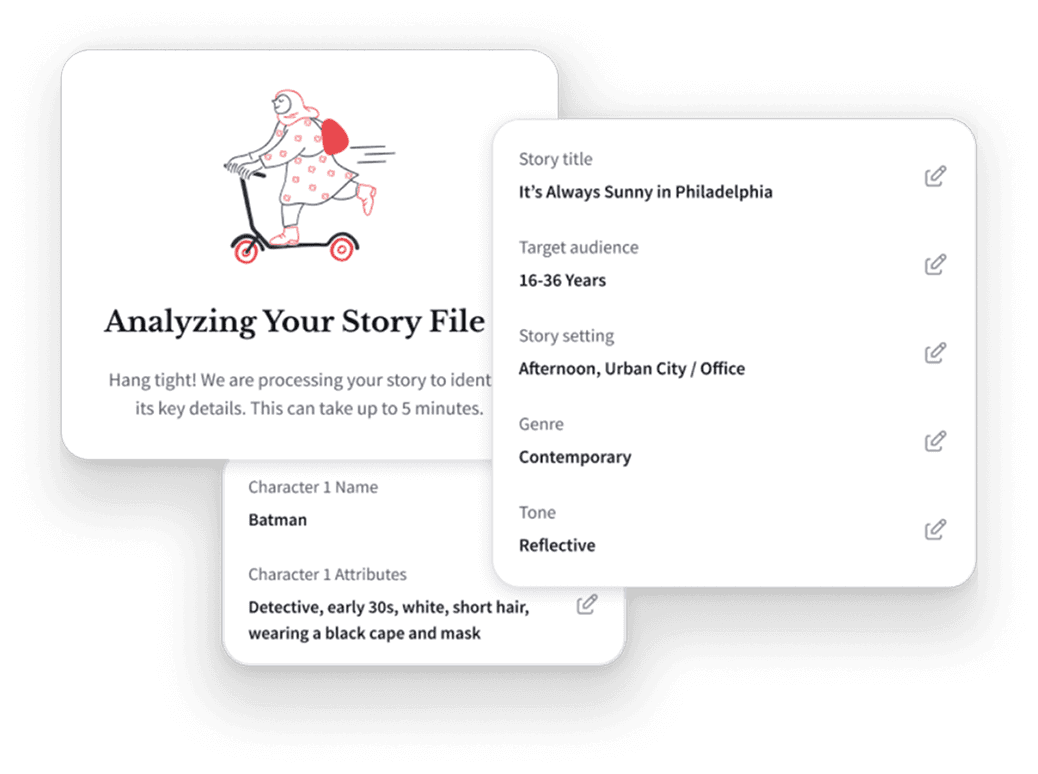
Define the Characters and World
Review the character descriptions, setting, audience, and important visual details.
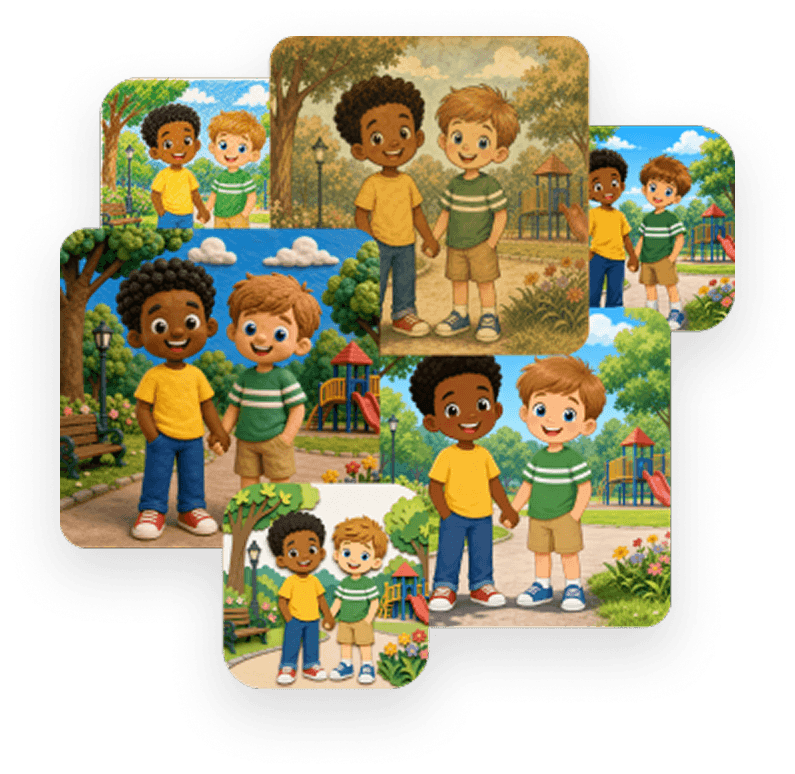
Create the Illustrations
Choose the style and generate illustrations for the book’s pages.
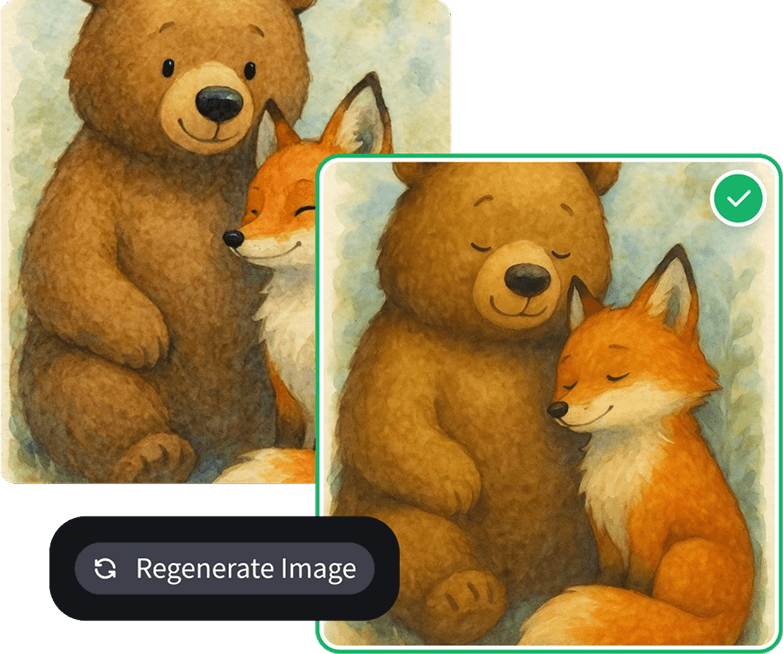
Edit and Proof the Book
Review the manuscript, illustrations, page order, and overall reading experience.
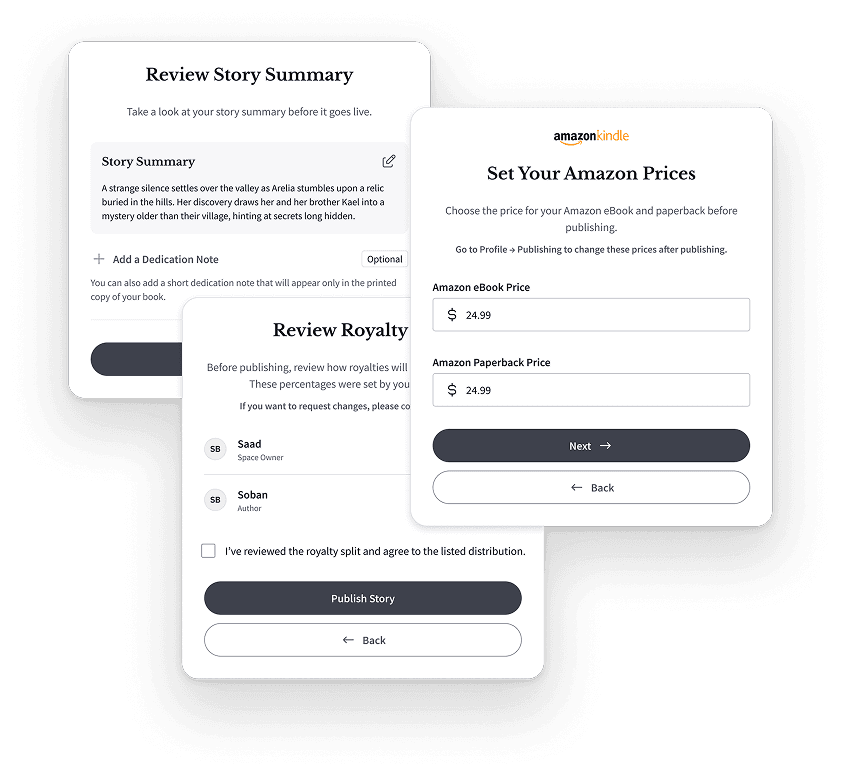
Prepare the Publishing Details
Complete the cover, title, author information, book description, pricing, and other required details.
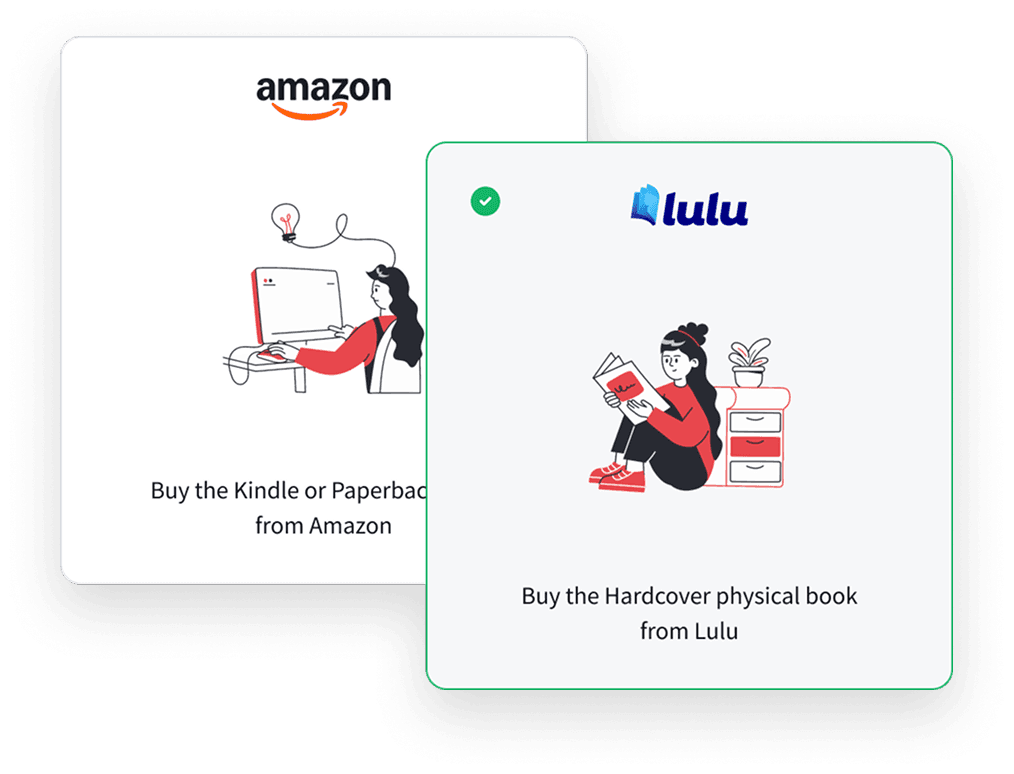
Publish Through Your Selected Channel
Prepare the book for supported publishing options such as Amazon KDP or Lulu.
What the Author Controls
 The manuscript and creative direction
- Final approval of the words and images
- Publishing
- Pricing
- Distribution choices
- Book description and marketing

Why Use One Creation Platform?
The traditional process can require separate help for:
 Writing
- Developmental editing
- Character design
- Illustration
- Page layout
- Cover design
- Publishing preparation
AlsonAI brings children’s book self-publishing and creation into one place, so you spend less time coordinating tools and more time on the story.
This does not replace professional editing, legal review, or platform-specific publishing expertise when those services are needed.
How to Publish a Children’s Book on Amazon and Lulu

AlsonAI works as a children’s book creator for KDP, helping you prepare the manuscript, illustrations, and cover before you publish through Kindle Direct Publishing.
Authors can use Amazon Kindle Direct Publishing to distribute eligible books through Amazon.

Lulu can provide another route for printing and distributing your physical books.
Depending on the selected project and publishing path, creators may use Lulu to produce private copies, sell books, or distribute them through available channels.
Build More Than One Book
A successful first book can become:
 A sequel
 A prequel
 A continuing character series
 A classroom collection
 A community publication
 An animated adaptation
AlsonAI’s series tools help creators continue working with established characters and story worlds.
Frequently Asked Questions
Your Story Does Not Have to Stay in a Draft
Create the manuscript, illustrations, and finished book—then choose where it goes next.
© 2026 Alson Corporation. All rights reserved