Turn Your Story
Into an Illustrated Book
Start with a few words or bring a complete manuscript.
AlsonAI helps you develop the characters, generate illustrated pages, review the result, and transform your story into a book you can edit, share, print, publish, or animate.

An AI Book Generator and Storybook Maker in One
AlsonAI combines story development, character creation, illustration, editing, and publishing preparation in one workflow. Use it as an AI book generator when you have a manuscript, or begin with an idea and develop the story from there.
Start Wherever Your Story Is
AlsonAI works as a children’s book maker whether you are starting from scratch or bringing something already written.

I Have an Idea
Describe the characters, setting, audience, and what you want to happen. Use AlsonAI to develop the idea into an illustrated story.

I Have a Manuscript
Bring the story you have already written. AlsonAI helps identify its characters, plot, tone, and visual possibilities before creating the illustrated pages.

I Have a Book I Want to Continue
Build sequels, prequels, or additional stories using familiar characters and worlds.
How the AI Storybook Maker Works
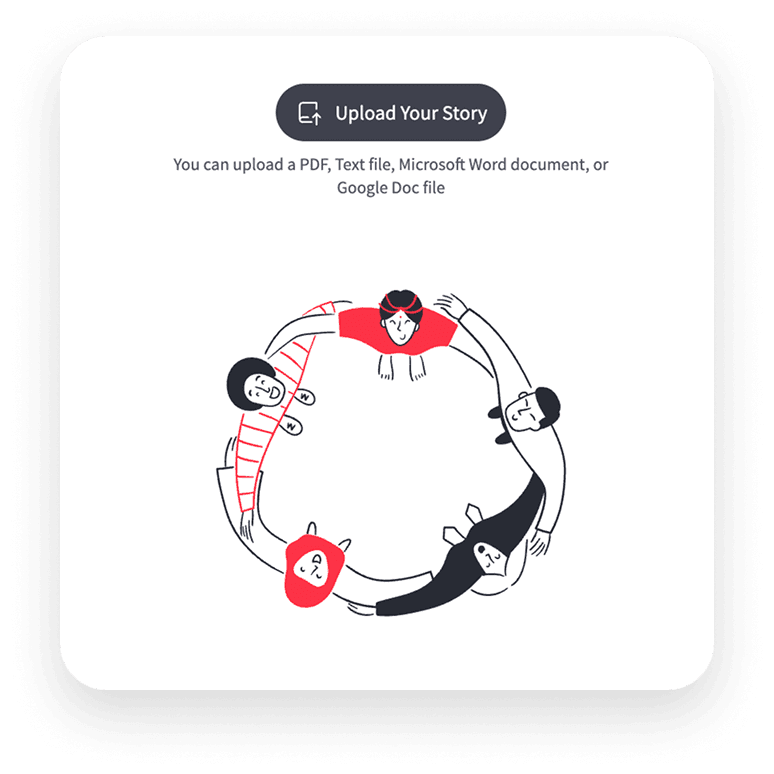
Add Your Idea or Manuscript
Begin with a short concept or a complete written story.
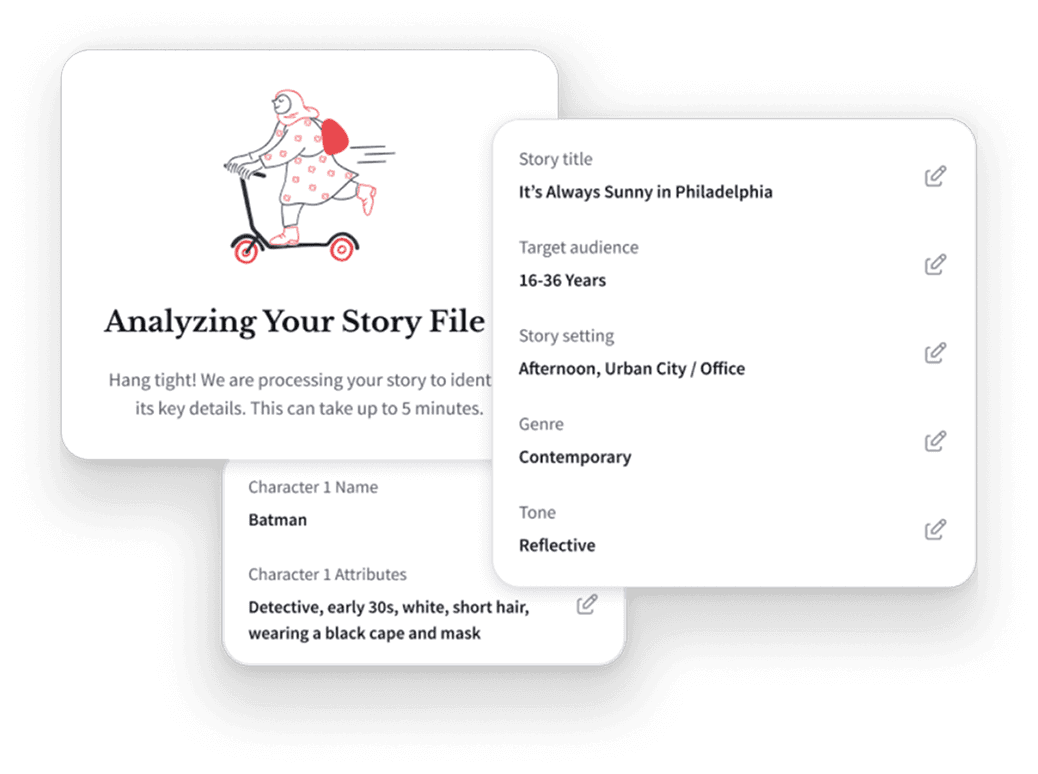
Review What AlsonAI Understood
Check the characters, plot, setting, audience, themes, and tone before generating the book.
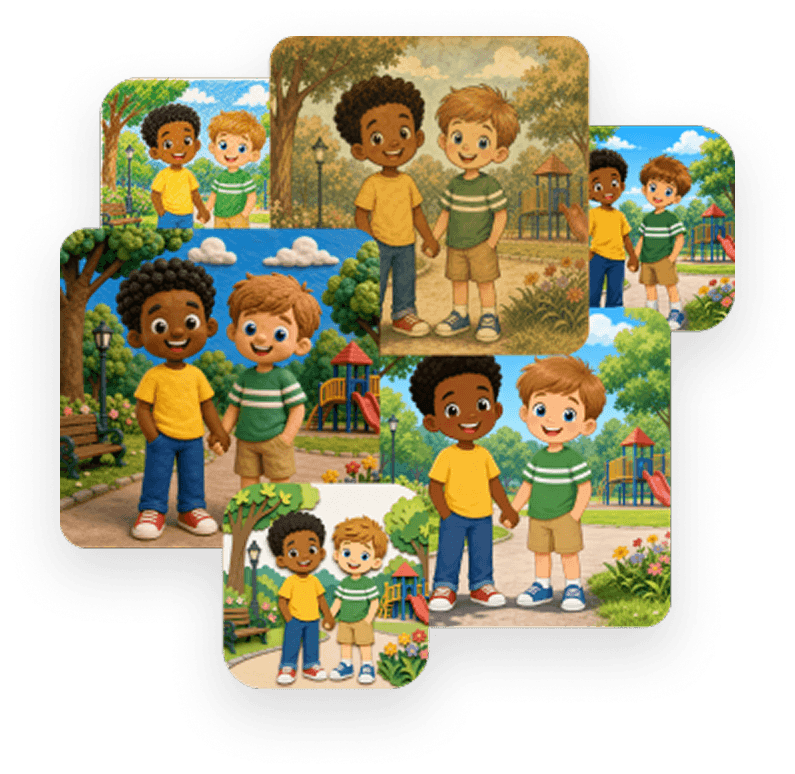
Choose an Illustration Style
Select a visual approach that fits the story and intended readers.
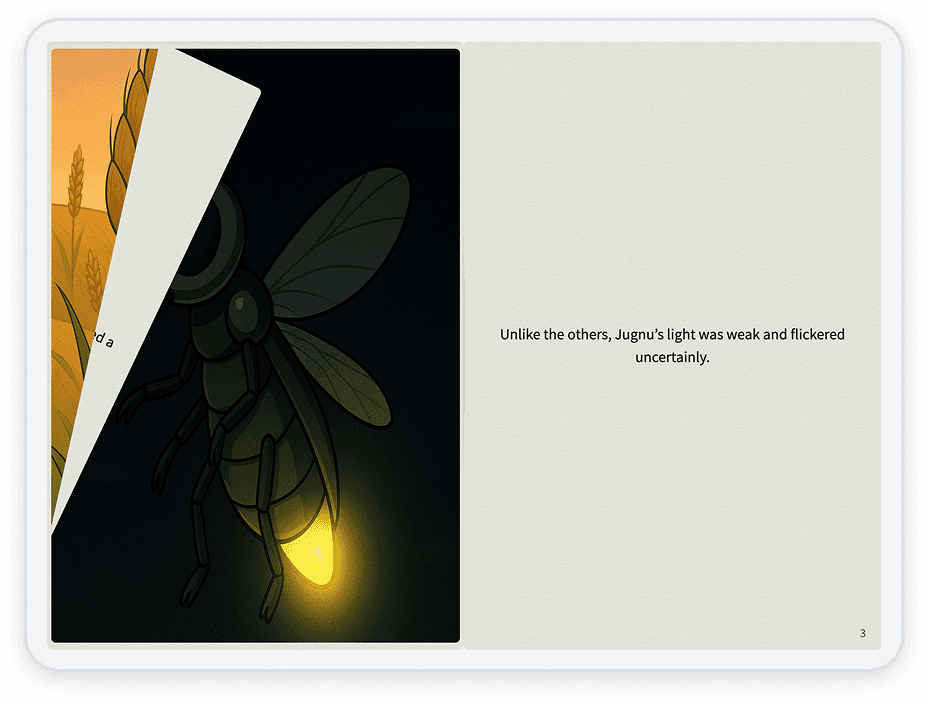
Generate the Illustrated Pages
Turn the manuscript into a complete visual storytelling experience.
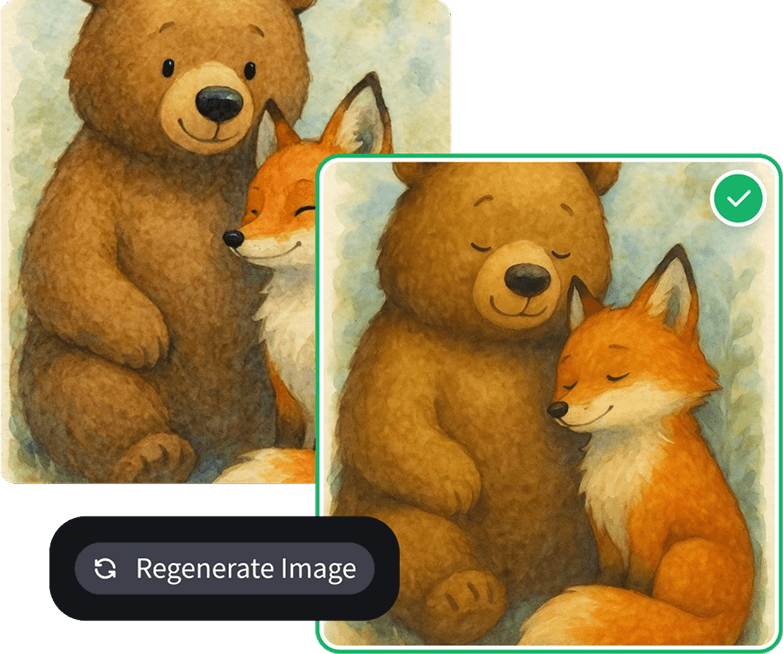
Edit the Words and Images
Review each page and revise the content before completing the book.
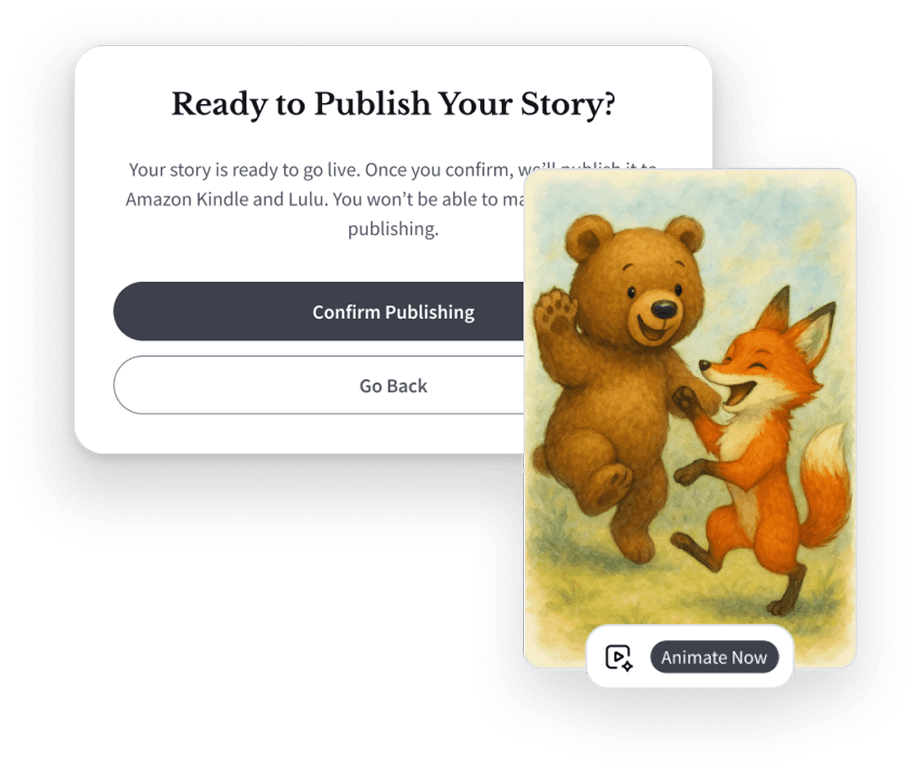
Publish or Animate the Result
Share the book digitally, create physical copies, publish through supported channels, build a series, or add narrated animation.
Characters Readers Can Recognize
A story is easier to follow when its characters remain recognizable from one page to the next. AlsonAI helps carry important visual details across different:
 Expressions
 Poses
Poses Settings
 Scenes
 Page compositions
Create a complete illustrated story rather than receiving text alone, making AlsonAI an AI story generator with pictures you can review and edit.
One Story, Multiple Possibilities
- An illustrated digital storybook
- A children’s picture book
- A physical book
- A personal or family story
- A classroom or community publication
- A sequel or book series
- A narrated animated version
Who Uses an AI Storybook Maker?
AlsonAI works as a story maker for individuals, families, educators, and organizations at every stage of the creative process.

Parents and Families
A child can help invent the characters, choose the setting, decide what happens, and review how the story looks.

Authors and Creators
Illustrate and develop manuscripts without managing a separate tool for every stage.

Educators and Students
Give learners a way to move from writing to a published creative artifact.

Organizations
Run collaborative storytelling programs with authors, editors, reviewers, and administrators.
Frequently Asked Questions
Your Story Is Already Waiting
Give it characters, illustrations, and a world readers can see.
© 2026 Alson Corporation. All rights reserved